

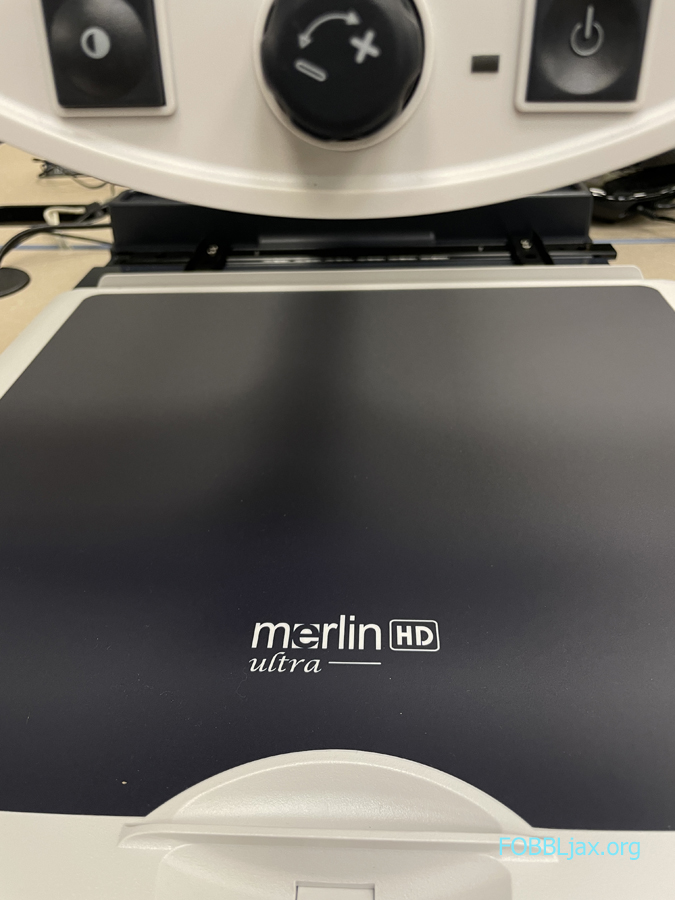
This January, the Friends of the Beaches Branch Library donated a state-of-the-art Merlin Ultra Magnifier to the Beaches Branch Library, aimed at supporting individuals with low vision in the local community. It is now set-up and ready for use!


This electronic magnification device, renowned for its full high-definition color, wide field of view, and adjustable magnification options, is designed to assist users in diverse tasks such as reading, writing, managing financial records, viewing color photos, and pursuing hobbies that involve intricate details.
Its versatile features make it a valuable resource for patrons with low vision, contributing to a more inclusive and enjoyable reading and learning experience at the Beaches Branch Library.

What is a Merlin Ultra?
A Merlin magnifier is an electronic magnification device designed to assist individuals with low vision. It can be used for a variety of tasks, including reading, writing, managing financial records, viewing color photos, and pursuing hobbies that involve small details.
The Merlin Ultra offers full high-definition color and contrast, providing sharp, clear images and vibrant color accuracy. It also features a wide field of view, LED lighting for truer picture quality, tactile controls, and a wide range of adjustable magnification options. Additionally, it includes various color select options for increased contrast, catering to different eye conditions.
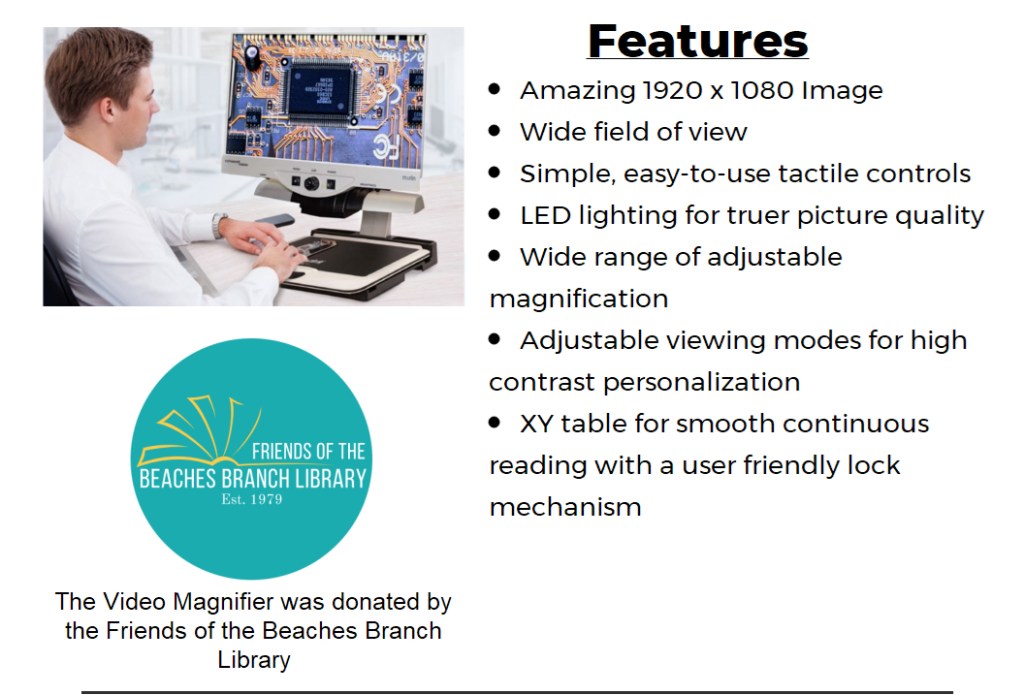
What Can You Do with a Merlin Ultra?
Some common uses for the Merlin Ultra include:
- Reading: The magnifier can be used to enlarge and enhance text, making printed materials such as books, newspapers, and documents more accessible.
- Writing: It can aid in writing or signing documents by providing magnification and high contrast viewing.
- Managing Financial Records: By magnifying small details on checks, invoices, and financial statements, the device can facilitate managing personal finances.
- Viewing Color Photos: The Merlin magnifier provides color accuracy and contrast, making it suitable for viewing and enjoying color photographs.
- Pursuing Hobbies: Whether it’s knitting, painting, or working on intricate crafts, the magnifier can assist in hobbies that involve small details.
Overall, the Merlin magnifier offers versatile support for various daily activities, contributing to a more independent and enjoyable lifestyle for individuals with low vision.
How to Use a Merlin Magnifier
Be sure to check in with staff at the “Ask Here” desk for a demonstration, and to use the Merlin Magnifier.
- Place the object or material you want to magnify under the camera of the Merlin magnifier.
- Use the tactile controls to adjust the magnification level and the viewing mode based on your preferences and needs.
- If needed, utilize the LED lighting for truer picture quality.
- Depending on your eye condition, you can select from the available color options to enhance the contrast for easier reading or viewing.
- Finally, use the XY table for smooth continuous reading with a user-friendly lock mechanism if you have it.
Head to the Beaches Branch Library and see what you can do with the Merlin Ultra today!


Discover more from Friends of the Beaches Branch Library
Subscribe to get the latest posts sent to your email.
 Friends of the Beaches Branch Library
3 thoughts on “Beaches Branch Library Gets a Merlin Ultra Magnifier”